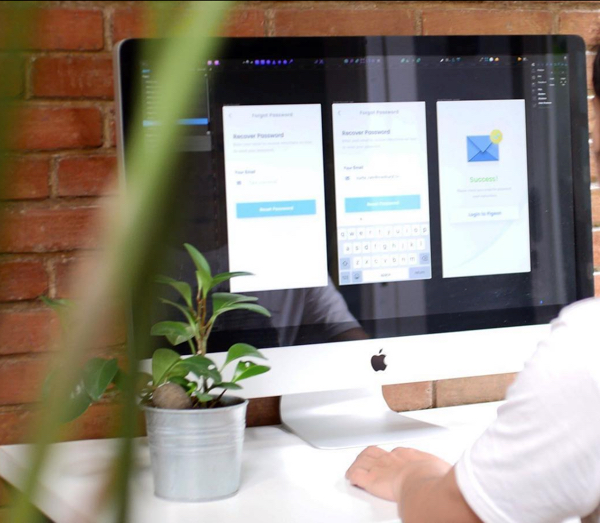

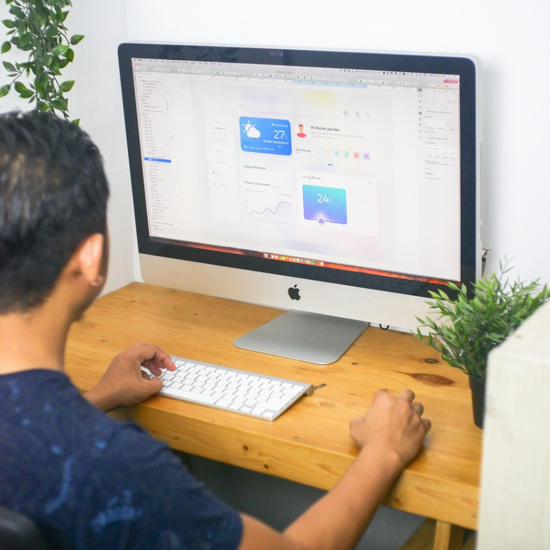


Awesome product is designed by "HUMAN"
Working as a UI designer since 2011. Has created many projects for different companies and worked for one of the fastest growing companies in America for 3 years.
usable products with blazing-fast efficiency



How I Work
It's important to make the work process goes effective and efficient. Because of that, workflow is very important to bring the best result when creating the design
LEARN MORE

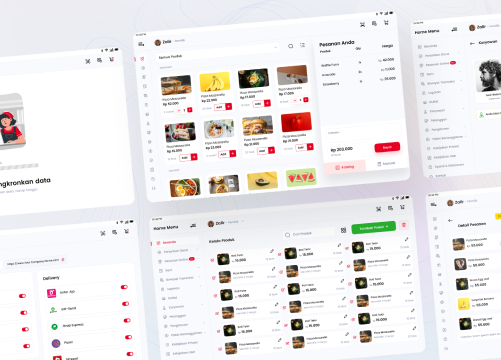
My Project
Case Studies.
Hosting Website Design
At Collax we specialize in designing, building, shipping...
View Case Studies

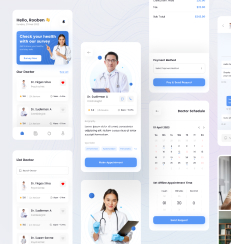

Healthcare Mobile App. Designing a health consultation UI involves creating an intuitive...
Case Studies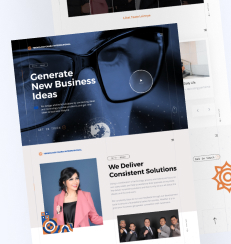

Banking App Management
At Collax we specialize in designing, building, shipping...
View Case Studies
Financial App Deisgn
At Collax we specialize in the most designing, building, shipping...
Case Studies

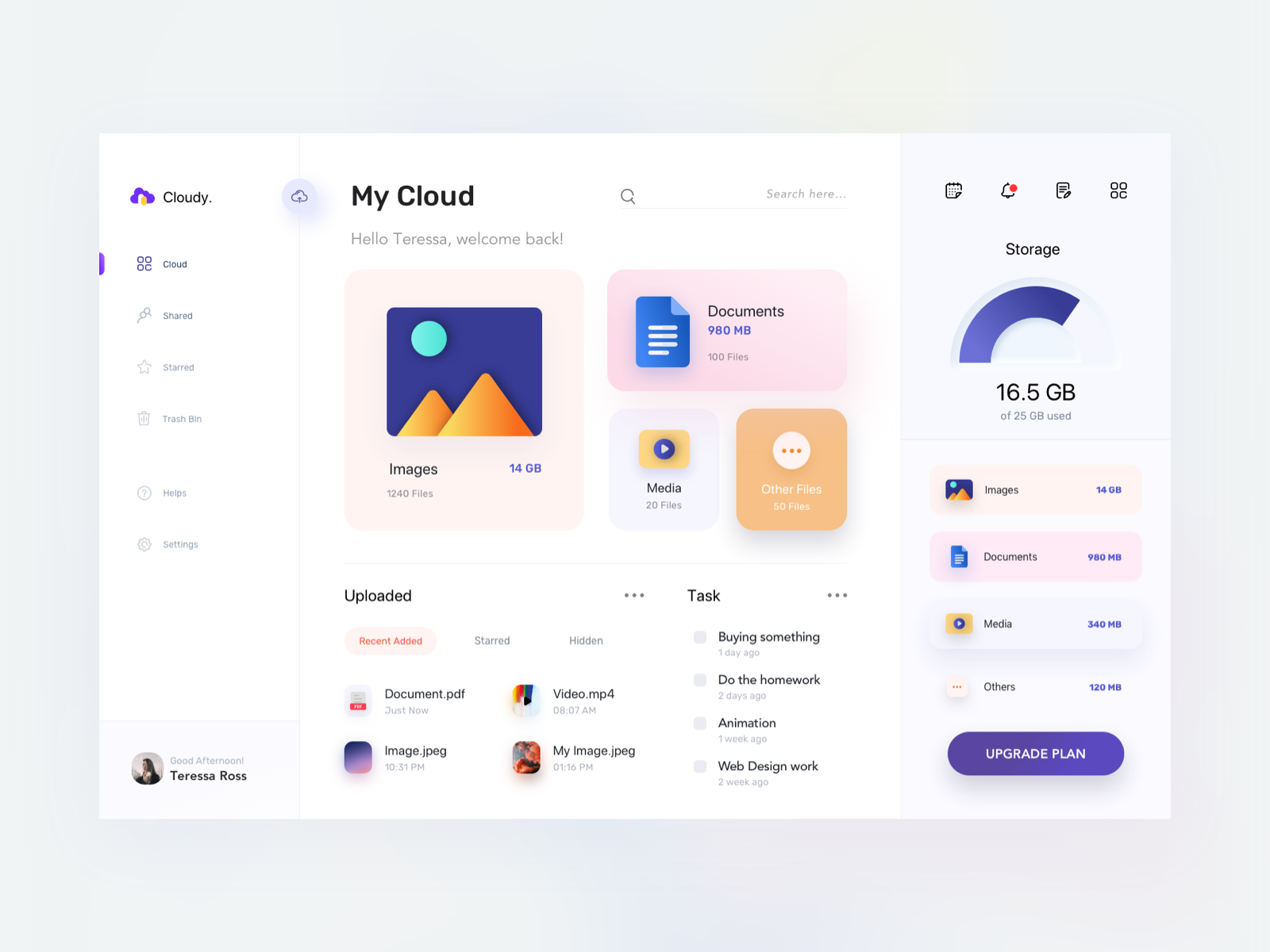
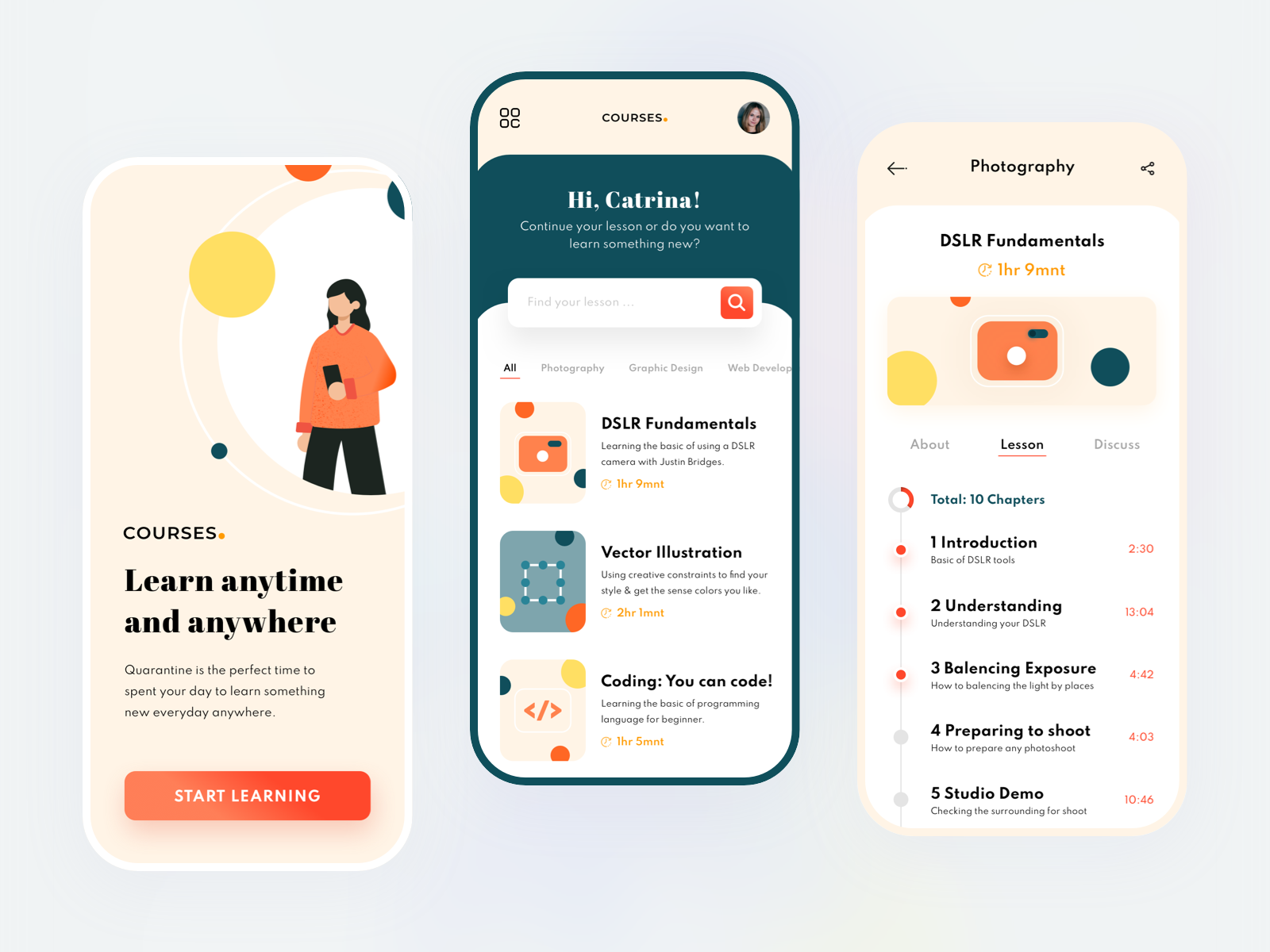
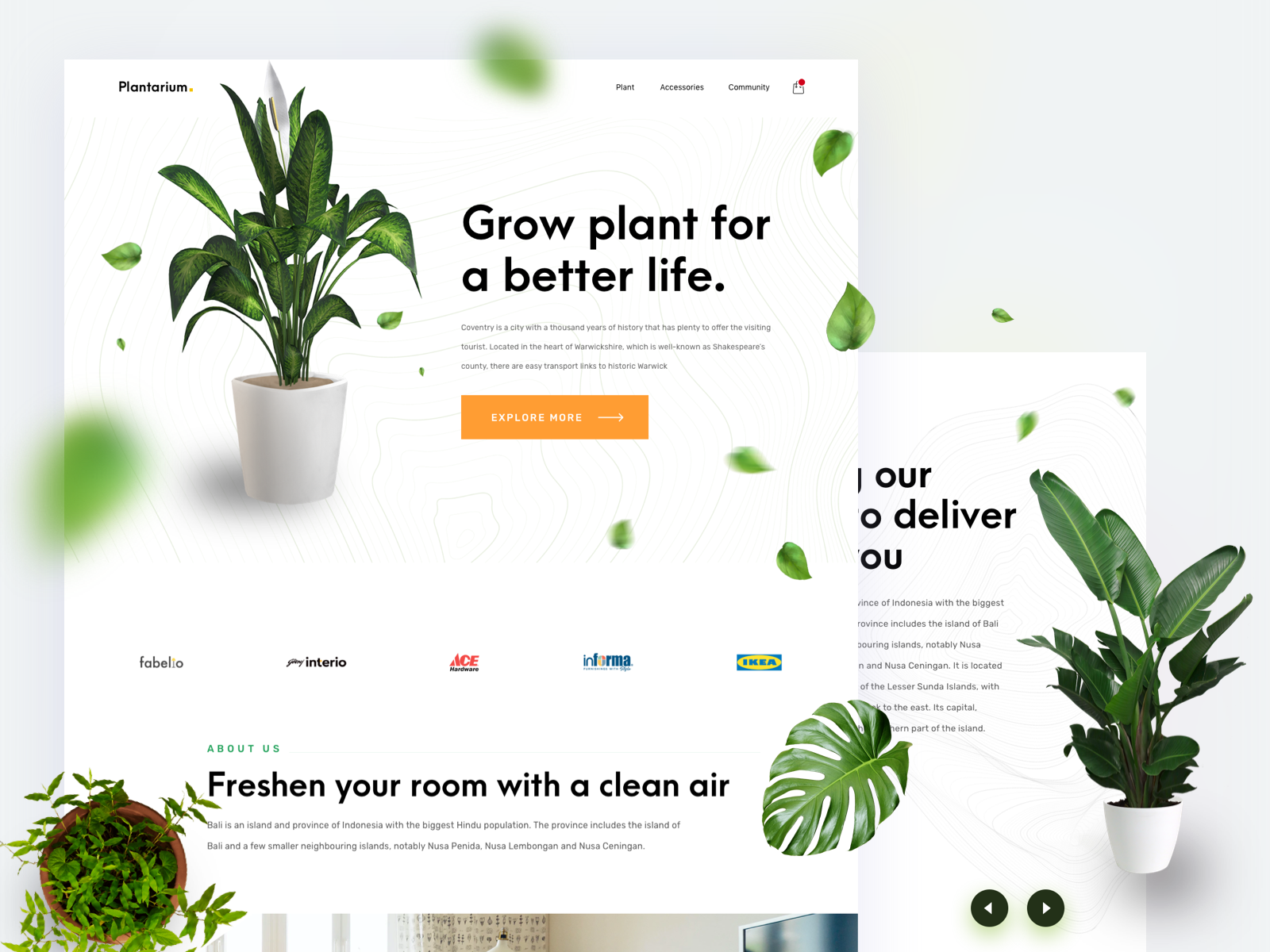
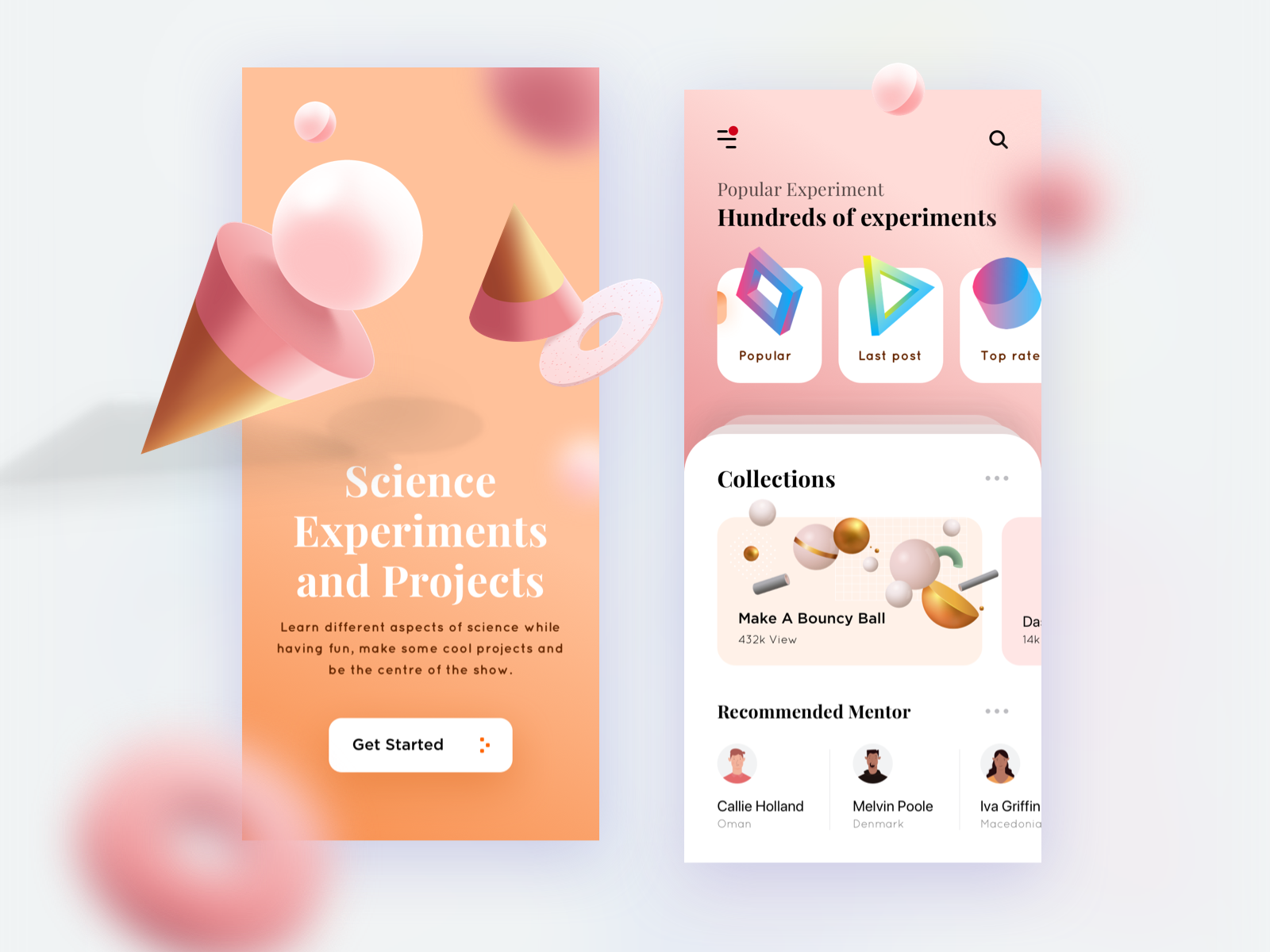
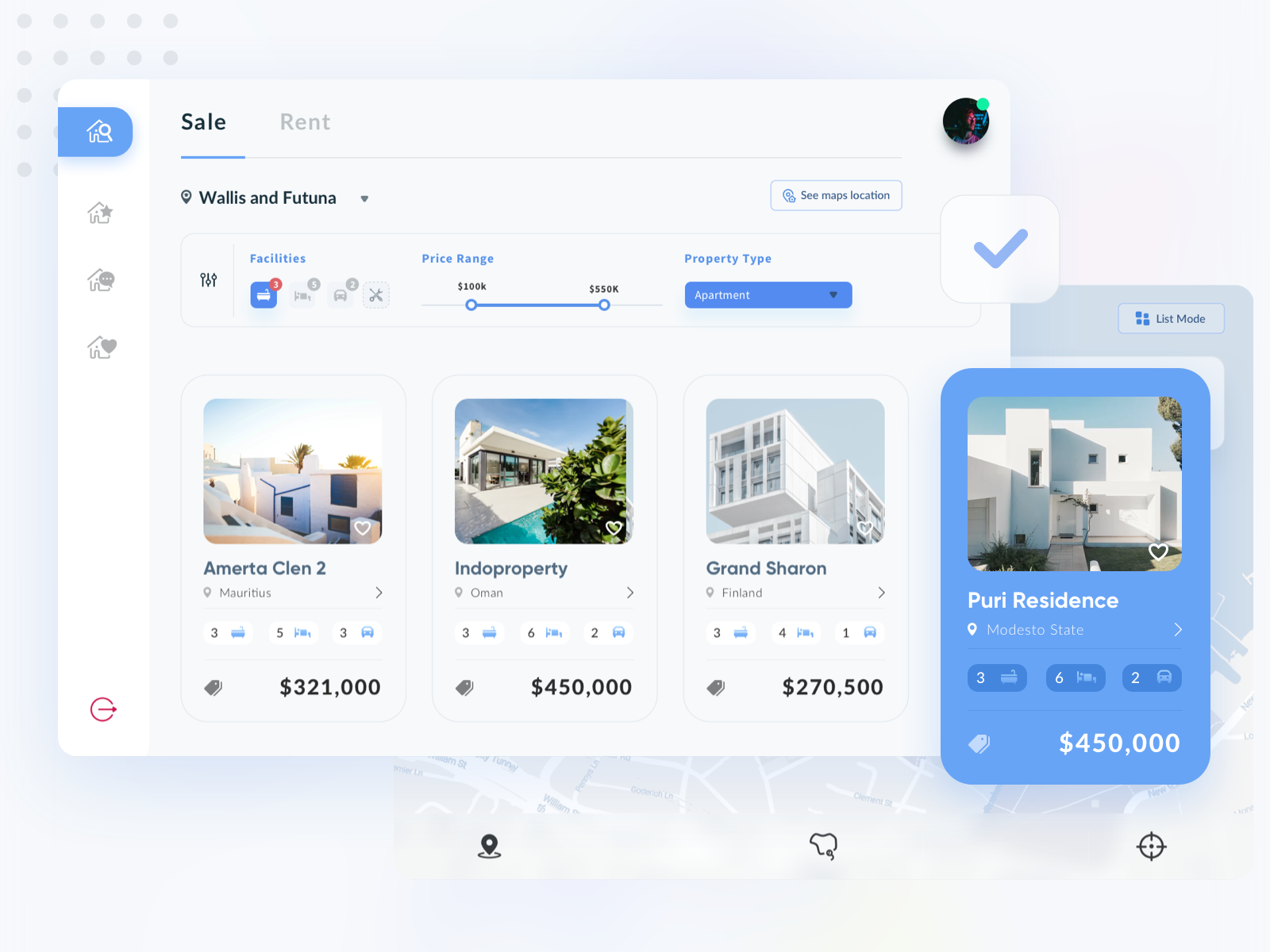
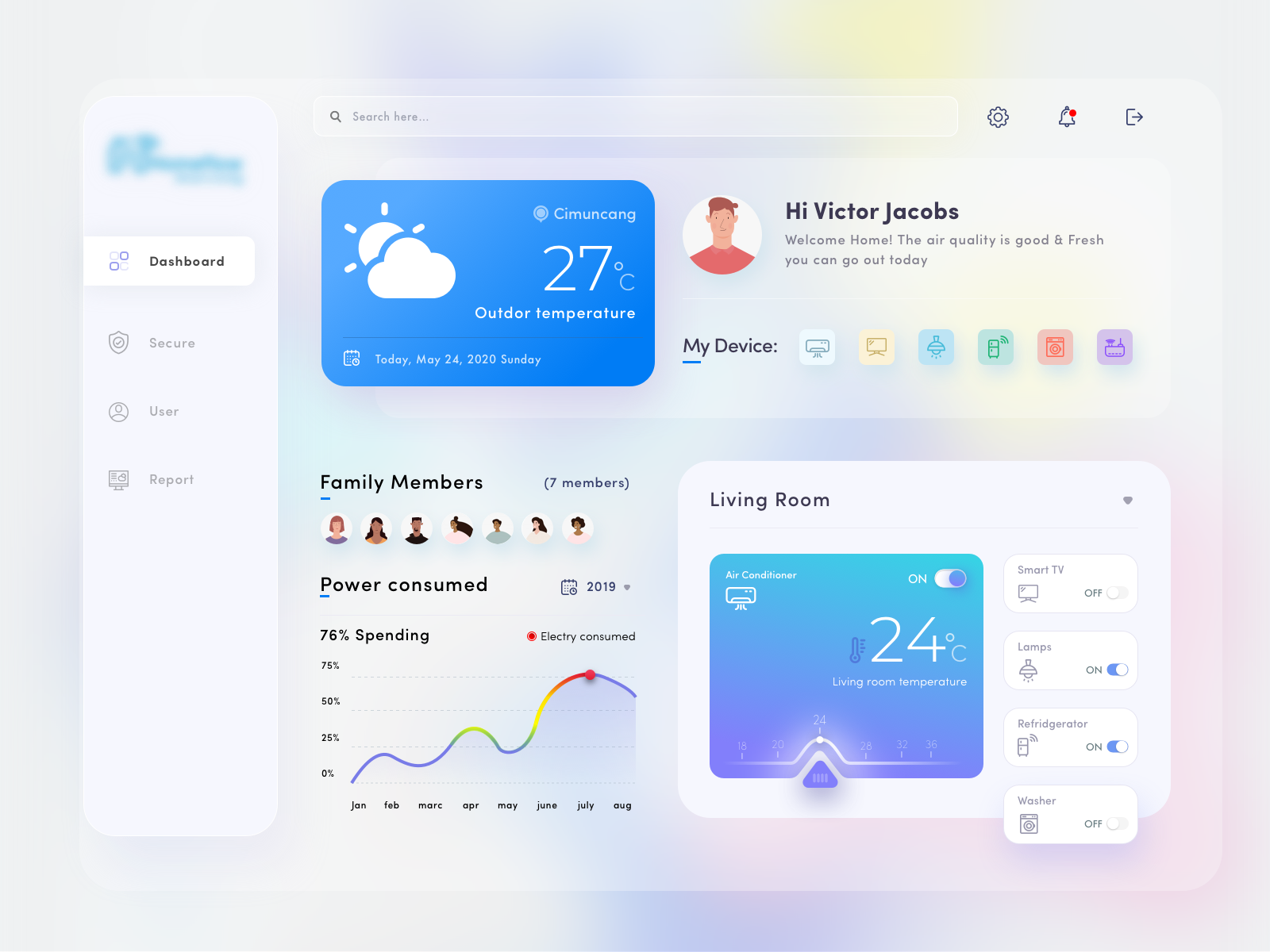
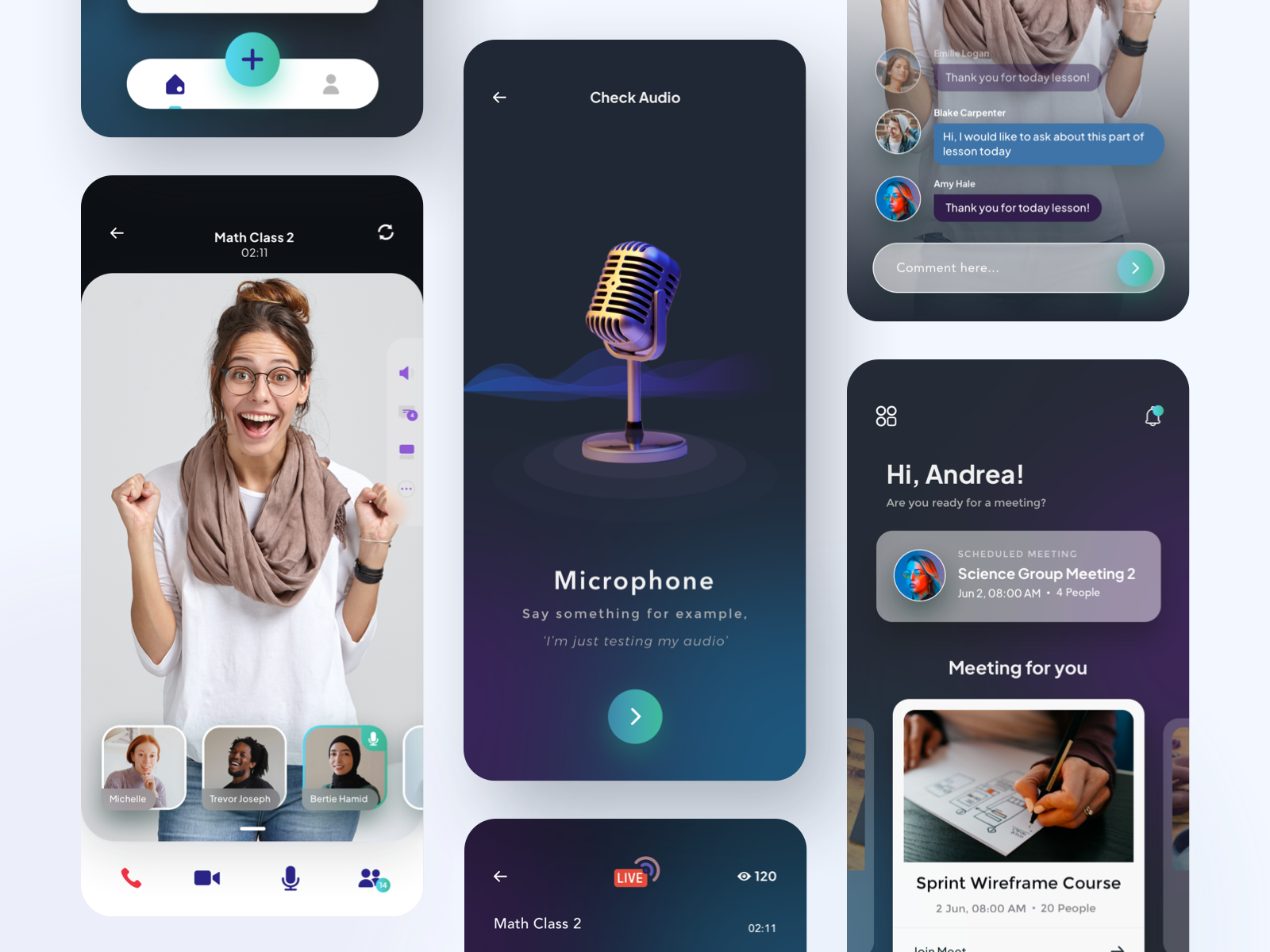
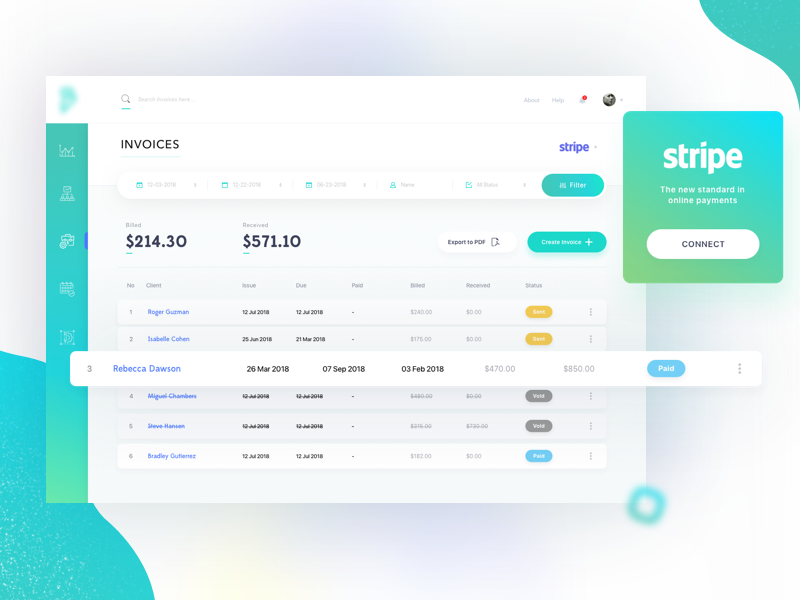
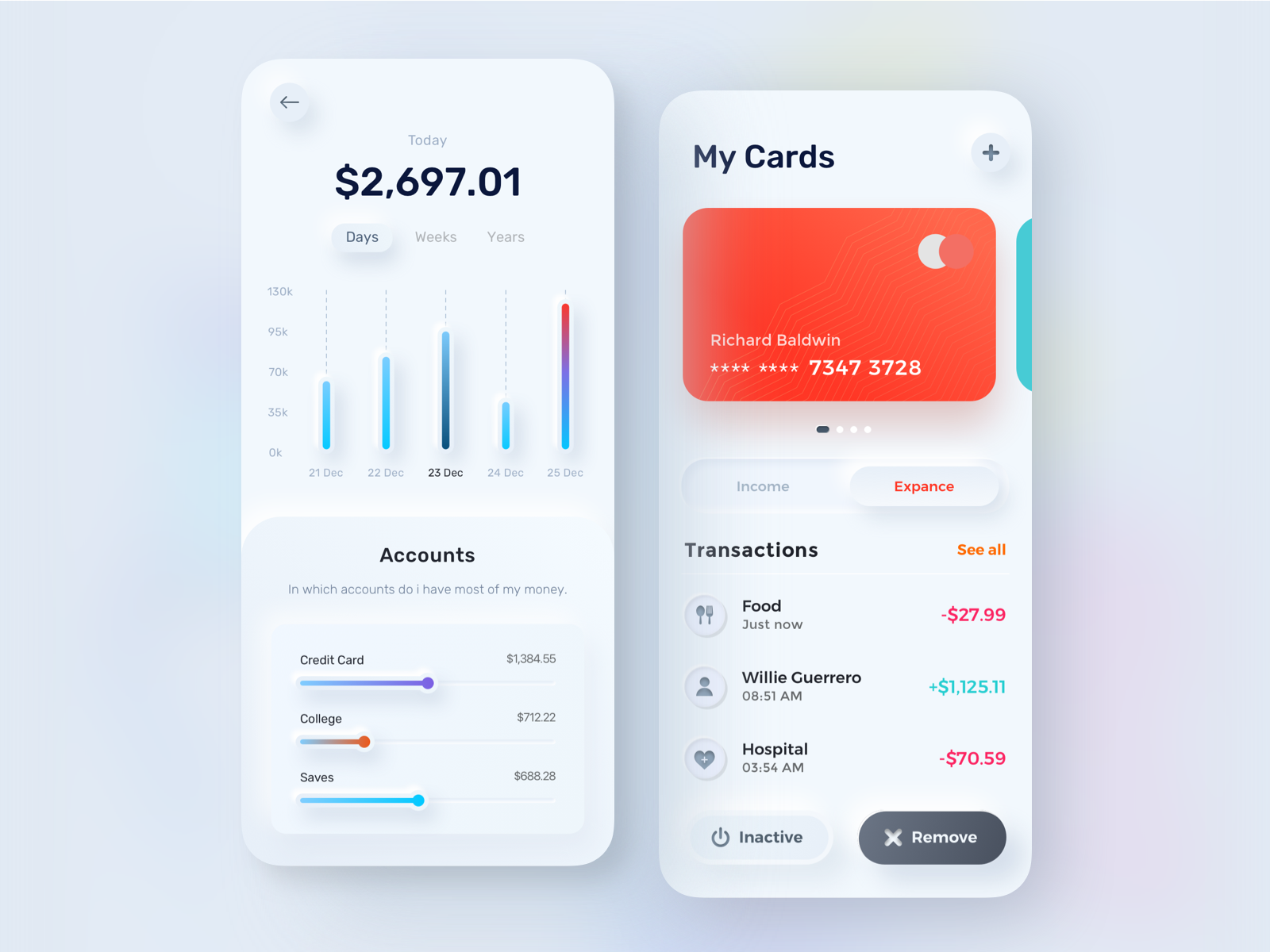
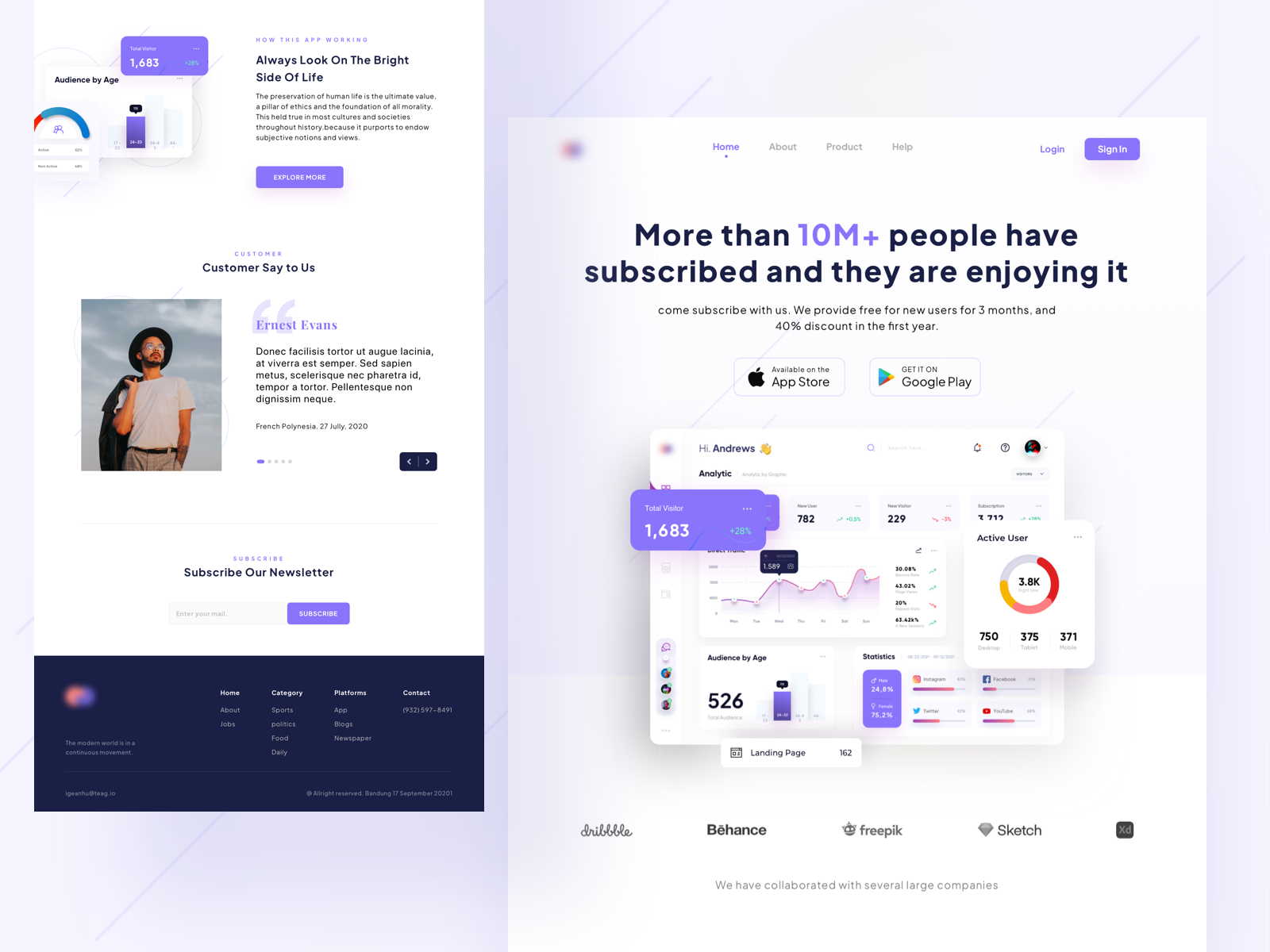
Recent work
On Dribbble 🏀


Testimonial
Client feedback

Andrew Gazdecki
Founder of Biznessapps


MICHAEL VELASQUEZ
Founder at AppTrends


Wilneida Negron
CEO of App Lib


Miloš Čalija
CEO of Pigeon Mail App